Last updated: 21 August 2026. Free tiers change frequently, so always check current limits before building a process around one.
The free tier of modern business software is good enough that a small business can run on it almost indefinitely. Not a crippled trial, but genuinely usable products.
The catch is that “free” means several different things, and the differences matter a great deal once your business depends on the tool.
Three kinds of free
- Free forever: no time limit, no cap that will realistically affect you. Rare and valuable.
- Free with a ceiling: free until you hit a limit on contacts, users, invoices or sends. Most tools here. Fine, as long as you know where the ceiling is before you build on it.
- Free as a front door: generous-looking, but the features you will inevitably need are behind the paywall. Not dishonest, but worth recognising for what it is.
Before adopting anything below, ask one question: what happens when I outgrow this, and how hard is it to leave? A tool you can export from is a far safer bet than one that holds your data hostage.
Email, documents and storage
Google Workspace (free tier)
A standard Google account gives you Gmail, Docs, Sheets, Slides, Drive and Calendar with 15 GB of storage, at no cost. For a solo business this covers the entire document and collaboration layer.
The limitation worth planning around: the free tier does not give you email at your own domain. A yourbusiness@gmail.com address is workable when you are starting; it becomes a credibility problem sooner than most people expect. Paid Workspace is inexpensive and worth it once you are invoicing clients.
Website building
Wix
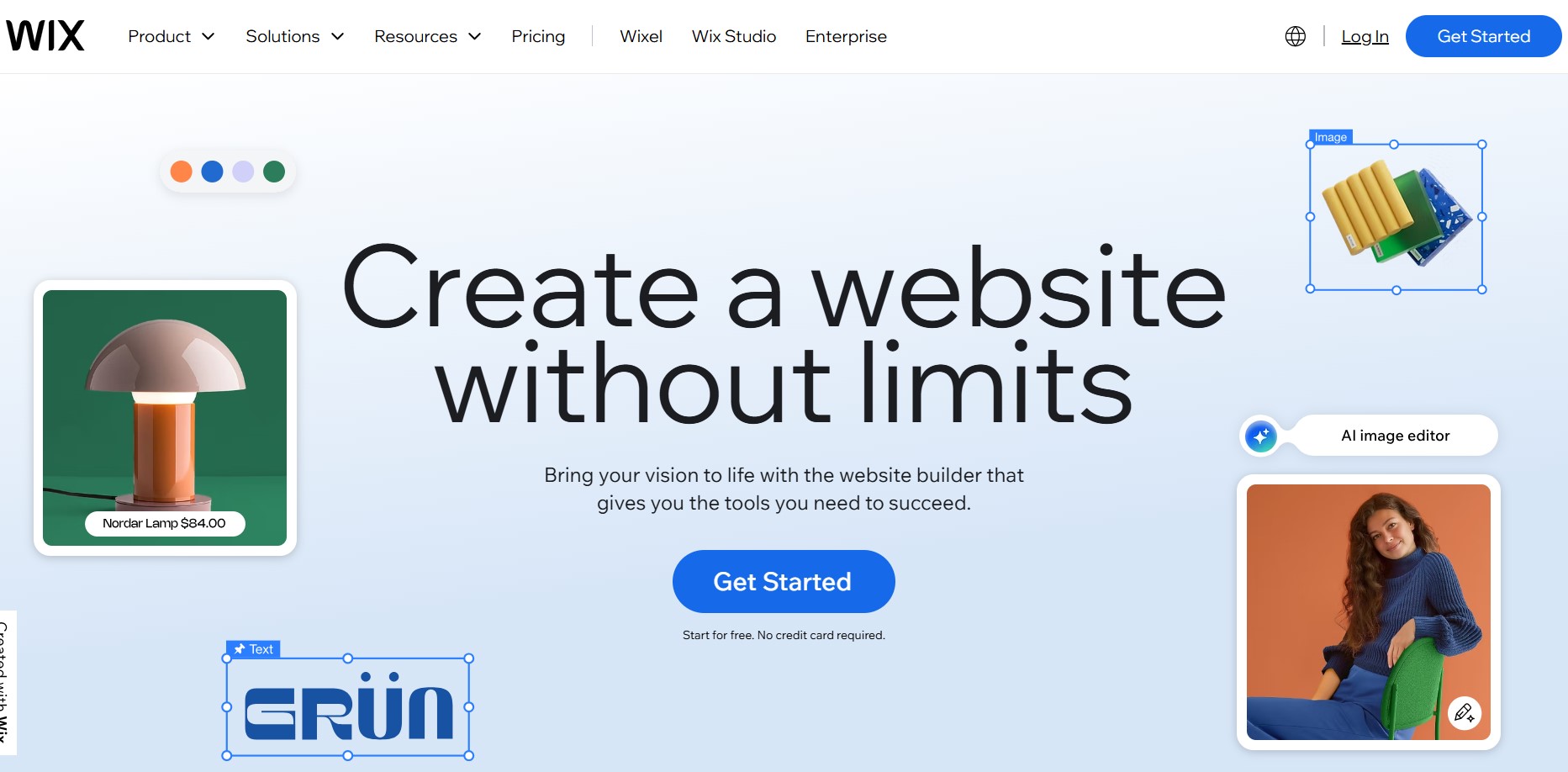
Drag-and-drop site building with hundreds of responsive templates, built-in SEO tools and AI-assisted setup. The free plan gives you a mobile-optimised site with SSL, on a Wix-branded subdomain.
Be clear-eyed about that subdomain. A yourbusiness.wixsite.com address is fine for testing an idea and poor for a business you want taken seriously. Treat the free plan as a way to validate before committing, not as a destination.
Worth knowing: Carrd is a cheaper option for a simple one-page site, and WordPress remains the better long-term choice if you expect to publish regularly or want full control. Our post on whether your business needs a website covers when this matters.
Design
Canva
The single most useful free tool on this list for most small businesses, and it was missing from the original version of this article.
Canva handles social graphics, logos, presentations, flyers, business cards, PDFs and basic video editing, with an enormous template library. The free plan covers roughly everything a small business needs and includes 5 GB of storage.
What you give up: the Brand Kit, background remover, Magic Resize, and a limited monthly allowance of AI credits. Canva Pro runs around $13 a month. Upgrade when brand consistency across many assets starts costing you time, not before.
Alternatives: Figma for web and app design, Photopea as a free browser-based Photoshop substitute, and Unsplash or Pexels for stock photography without attribution requirements.
Customer relationships
HubSpot CRM
The most generous free CRM available: unlimited users, unlimited stored contacts, deal pipelines and email logging, with no time limit.
The honest caveat is that free HubSpot is the entry point to an expensive product. You can store unlimited contacts but only actively market to a capped number, emails carry HubSpot branding, and automation is entirely paywalled.
For many small businesses a full CRM is overkill anyway. Simpler options worth considering: Bigin by Zoho for a pipeline-first approach, or Notion if you would rather keep client tracking in the same workspace as everything else.
Accounting and invoicing
Wave
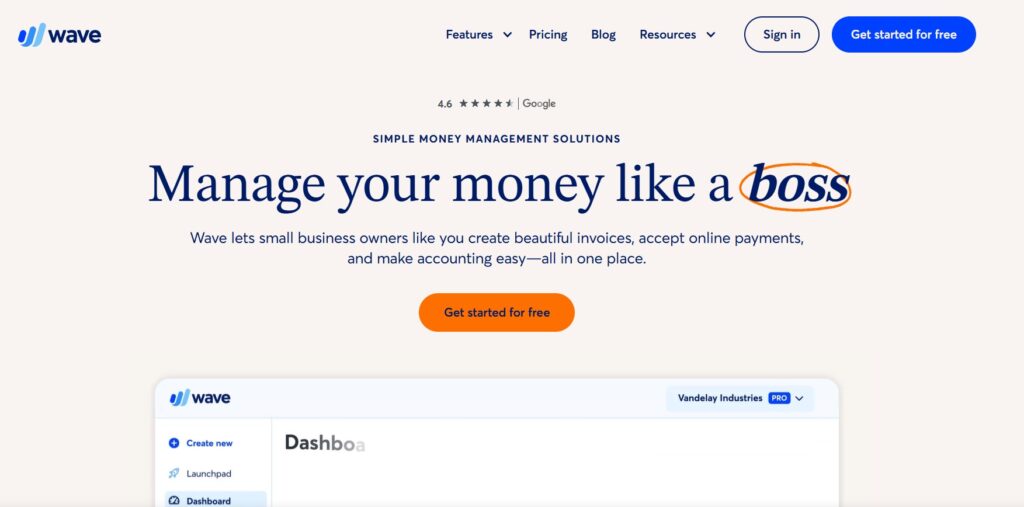
Important correction: Wave changed its model in February 2024, and a lot of articles — including the earlier version of this one — still describe the old free plan. Here is what is actually free now.
The free Starter plan includes unlimited invoicing and estimates, expense and income tracking, and core financial reports. That remains genuinely useful and genuinely free.
What is no longer free:
- Automatic bank transaction imports: Pro only. On Starter you import bank statements manually by CSV.
- Automatic receipt scanning: Pro, or roughly $8 a month as a standalone add-on.
- Multiple users: Pro only.
- Live chat and email support: paid plans only.
Wave Pro runs around $16 to $19 a month depending on billing period. Payment processing is charged separately at roughly 2.9% plus a fixed fee per card transaction, and payroll is a separate subscription again.
The practical read: Wave is still excellent for a freelancer or micro-business that mostly invoices. If you need automated bookkeeping, budget for Pro or look at Zoho Invoice, which is free for up to 1,000 invoices a year.
Project management
Notion, Wrike, Asana and Trello
This category is crowded and the tools are more similar than their marketing suggests. Broadly:
- Notion: a wiki, database, note system and lightweight CRM in one workspace. Free for personal use. The best pick if you want one tool rather than four, at the cost of having to design your own structure.
- Trello: simple visual boards. Fastest to learn, least capable at scale.
- Asana: free for small teams, with task lists, timelines and basic project views.
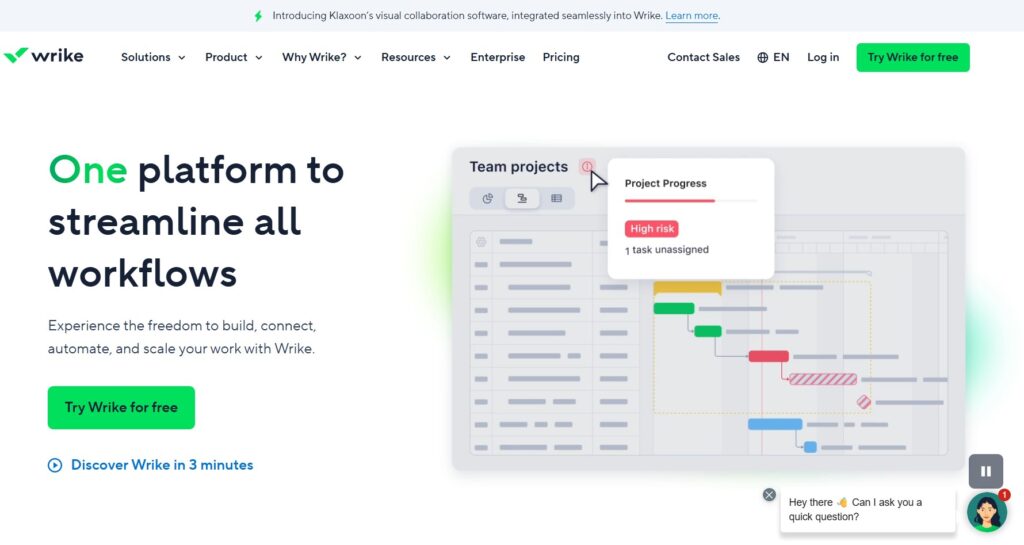
- Wrike: free for up to five users with task management, board and table views and 2 GB of storage. Time tracking, Gantt charts and automation are paid.
Pick one and commit. The most common failure here is not choosing the wrong tool but migrating between three of them and never establishing a habit with any.
Meetings and communication
Zoom, Google Meet and Slack
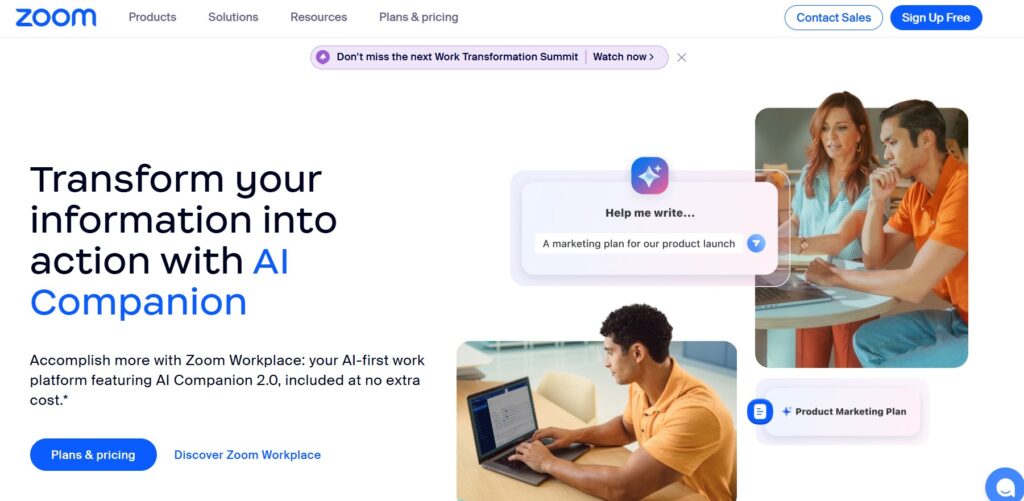
Zoom’s free plan hosts up to 100 participants with a 40-minute cap on group meetings (one-to-one calls are unlimited), plus screen sharing, whiteboard and breakout rooms.
That 40-minute limit is the deciding factor for most people. If your calls routinely run longer, Google Meet’s free tier is worth comparing, and it is already included with the Google account you probably have.
For team messaging, Slack’s free plan covers the basics but retains only 90 days of message history — a real constraint if you rely on searching past conversations.
Security
Avast One, and something more important
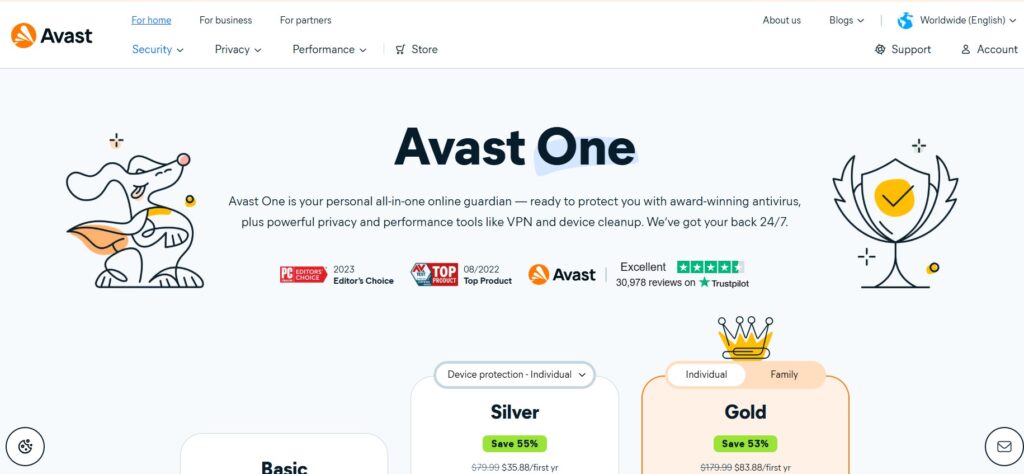
Avast One’s free tier provides real-time antivirus, malware scanning, a limited VPN and phishing protection. Windows also ships with Microsoft Defender, which is competent and requires no installation.
More useful than any antivirus, though: a free password manager and two-factor authentication on every business account. Bitwarden’s free tier is genuinely unlimited and covers this properly.
Small businesses lose far more to compromised passwords and phishing than to viruses. If you do one security thing this month, make it that rather than installing another scanner.
Email marketing and automation
Also absent from the original list, and arguably more valuable than half of what was on it.
- Kit: the most generous free tier in email marketing, supporting a large subscriber list at no cost.
- Mailchimp: free for a few hundred contacts. Familiar, and the ceiling arrives quickly.
- Zapier: around 100 automated tasks a month free.
- Make: roughly 1,000 operations a month free, considerably more generous than Zapier for simple workflows.
An email list is the only audience you genuinely own. Every other channel is rented from a platform that can change the terms — as Wave’s own pricing change illustrates.
AI assistants
ChatGPT, Claude, Gemini and Perplexity all offer capable free tiers covering writing, research, document analysis and summarising.
Two practical notes. Free tiers are usage-limited, so build habits you can afford to have interrupted. And be careful what you paste in — check the data handling terms before putting client information or anything confidential into a free consumer tier.
A starting stack
If you want a single recommendation rather than a menu, this covers most early-stage businesses at zero cost:
| Need | Tool |
|---|---|
| Email, docs, storage | Google Workspace (free) |
| Design | Canva |
| Invoicing and accounts | Wave Starter |
| Client tracking | HubSpot CRM or Notion |
| Projects and notes | Notion |
| Meetings | Google Meet or Zoom |
| Email list | Kit |
| Passwords | Bitwarden |
When to start paying
A simple test: if a tool costs $20 a month and saves you two hours a week, it has paid for itself several times over at almost any hourly rate you would charge.
Upgrade when you hit a real ceiling, when a manual workaround is costing more time than the subscription would cost money, or when free-tier limitations start being visible to your customers. Not before, and not out of a vague sense that paid tools are more professional.
Common questions
Are free tools safe for business use?
Free tiers from established vendors carry the same security infrastructure as their paid plans. The genuine risks are weaker support when something breaks, and less clarity on data handling. Read the privacy policy for anything touching customer data.
Can I run an entire business on free tools?
For the first six to twelve months, usually yes. The constraint tends to be team size and automation rather than core functionality.
What is the biggest risk?
Building a critical process on a free tier that later changes. It happens regularly, and Wave is the example in this very article. Keep your data exportable and avoid depending on any single free tool for something you could not replace within a week.

Tabraiz Bukhari is a Digital Marketing Expert & Psychologist. He has experience in different areas of digital marketing from SEO and Google Adwords to Social Media Marketing and Ecommerce Management. He writes about his expertise and knowledge in digital marketing and sometimes about Psychology related topics. Currently, he is doing a job as an SEO Specialist/Team Leader at NewEraOS.